> ## Documentation Index
> Fetch the complete documentation index at: https://docs.zynrax.site/llms.txt
> Use this file to discover all available pages before exploring further.
# Customization
> Customize Zynrax's avatar, banner.
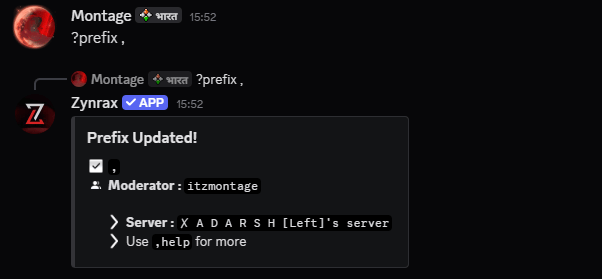
## Customizing prefix
You can change Zynrax's command prefix to anything you like using the `prefix` command. This allows you to avoid conflicts with other bots or simply use your favorite symbol.
```bash Syntax theme={null}
?prefix (new prefix)
```
```bash Example theme={null}
?prefix ,
```
 ## Overview
Personalize Zynrax's appearance in your server by setting a custom avatar, banner, or bio — making your community truly unique and stand out from the rest.
This feature is actively monitored and logged. Uploading inappropriate content will lead to **immediate removal** of the bot from your server and **forfeiture of access**.
Only the **Server Owner** can use these commands.
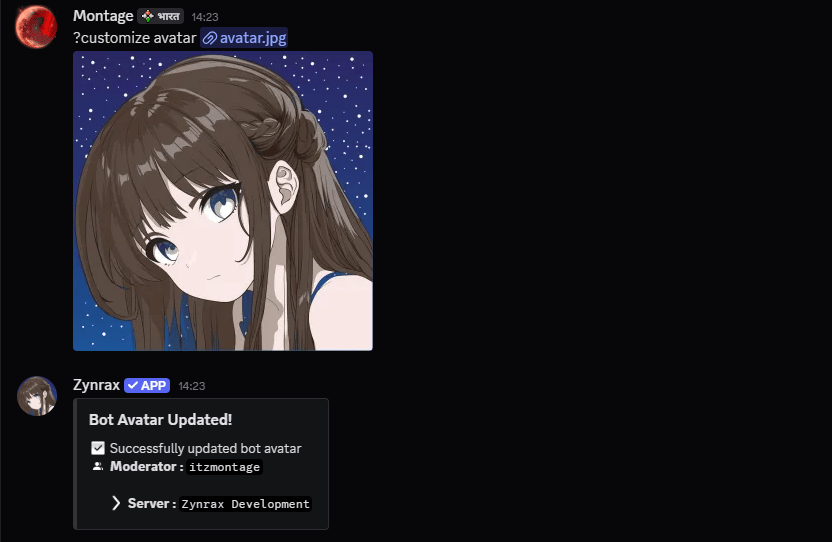
## Customizing Zynrax's avatar
You can upload Zynrax's avatar using the `customize avatar` command.
```bash Syntax theme={null}
,customize avatar (image URL)
```
```bash Example theme={null}
,customize avatar https://zynraxbot.site/avatar.png
```
## Overview
Personalize Zynrax's appearance in your server by setting a custom avatar, banner, or bio — making your community truly unique and stand out from the rest.
This feature is actively monitored and logged. Uploading inappropriate content will lead to **immediate removal** of the bot from your server and **forfeiture of access**.
Only the **Server Owner** can use these commands.
## Customizing Zynrax's avatar
You can upload Zynrax's avatar using the `customize avatar` command.
```bash Syntax theme={null}
,customize avatar (image URL)
```
```bash Example theme={null}
,customize avatar https://zynraxbot.site/avatar.png
```
 ## Customizing Zynrax's banner
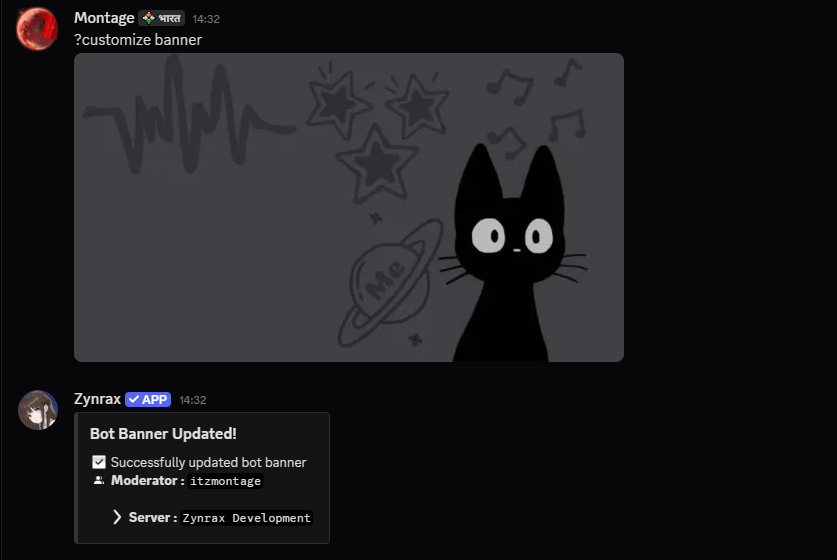
You can upload Zynrax's banner using the `customize banner` command.
```bash Syntax theme={null}
,customize banner (image URL)
```
```bash Example theme={null}
,customize banner https://zynraxbot.site/banner.png
```
## Customizing Zynrax's banner
You can upload Zynrax's banner using the `customize banner` command.
```bash Syntax theme={null}
,customize banner (image URL)
```
```bash Example theme={null}
,customize banner https://zynraxbot.site/banner.png
```
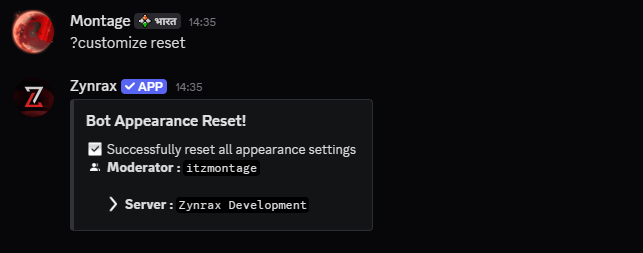
 ## Resetting appearance
If you want to revert Zynrax's profile back to its original form, you can reset individual settings or use the global reset command.
```bash Reset Avatar theme={null}
,customize resetavatar
```
```bash Reset Banner theme={null}
,customize resetbanner
```
```bash Global Reset theme={null}
,customize reset
```
## Resetting appearance
If you want to revert Zynrax's profile back to its original form, you can reset individual settings or use the global reset command.
```bash Reset Avatar theme={null}
,customize resetavatar
```
```bash Reset Banner theme={null}
,customize resetbanner
```
```bash Global Reset theme={null}
,customize reset
```